
First Published 1 Feb 2024
Unlike other Office apps such as Word and Excel, Access does not include a strikethrough option for text.
However, you can achieve the effect by using a specially designed strikethrough font.
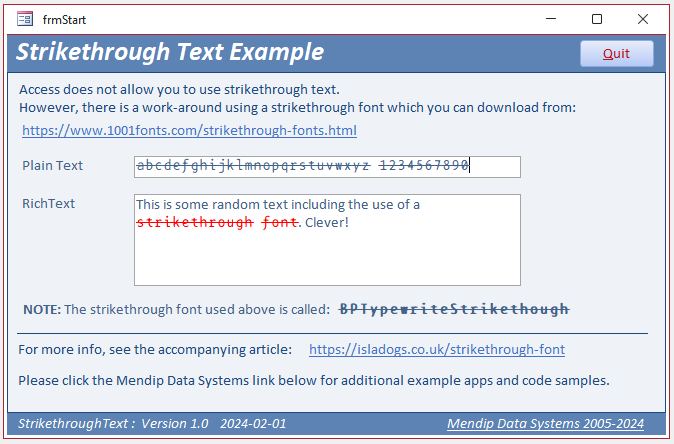
Strikethrough fonts can be used in standard plain text labels or textboxes. Perhaps more usefully, they can be used as part of a rich text field.
You can choose from 16 strikethrough fonts that are available to download for free from the 1001 Fonts website.
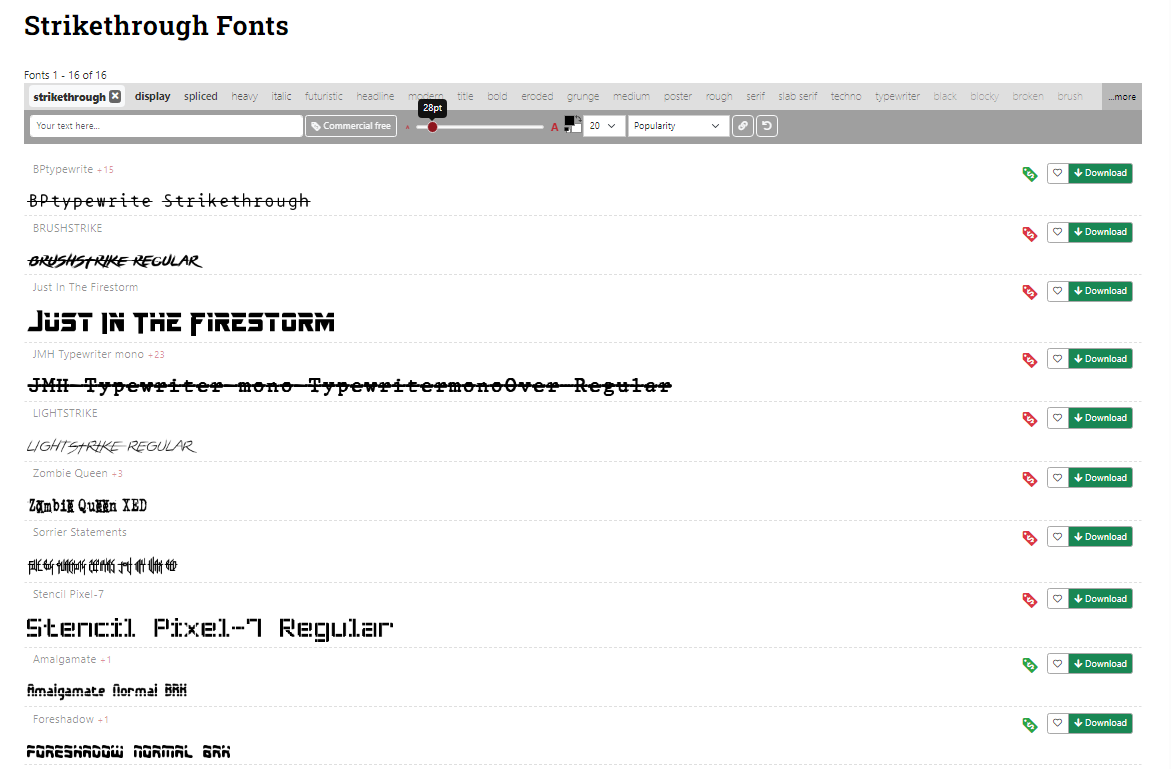
All are monospaced and, in my opinion, mostly unsuitable for use in Access databases.
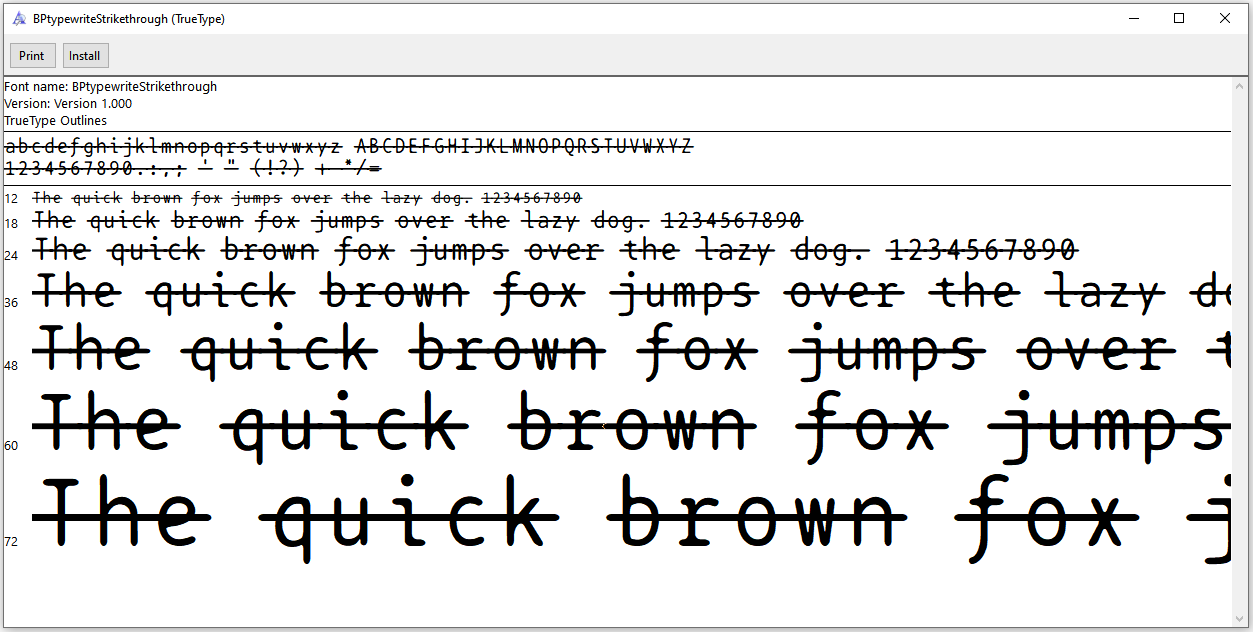
However, I find the BPtypewriteStrikethough font is acceptable
Download
Click to download: Strikethrough ACCDB file Approx 0.8 MB (zipped)
NOTE:
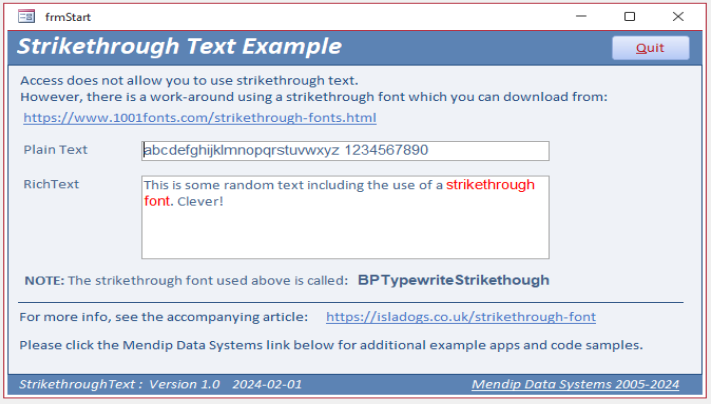
Each user will need to have the strikethough font installed on their own workstation.
Where this is not the case, the text will be displayed using the default font. In this case, the new Office default (Aptos).
Feedback
Please use the E-Mail button in the contact form below to let me know whether you found this article useful or if you have any questions.
Please also consider making a donation towards the costs of maintaining this website. Thank you.
Colin Riddington Mendip Data Systems Last Updated 1 Feb 2024
|
Return to Access Blog Page
|
Return to Top
|