Version 7.2 Approx 3.4 MB (zipped) First Published 19 Aug 2017 Last Updated 3 Jan 2026
An earlier version of this was originally posted at Access World Forums in August 2017.
This application is designed to show many different ways of getting users' attention.
Experienced users will be familiar with some of these ideas already.
Features include:
1. Formatted message boxes
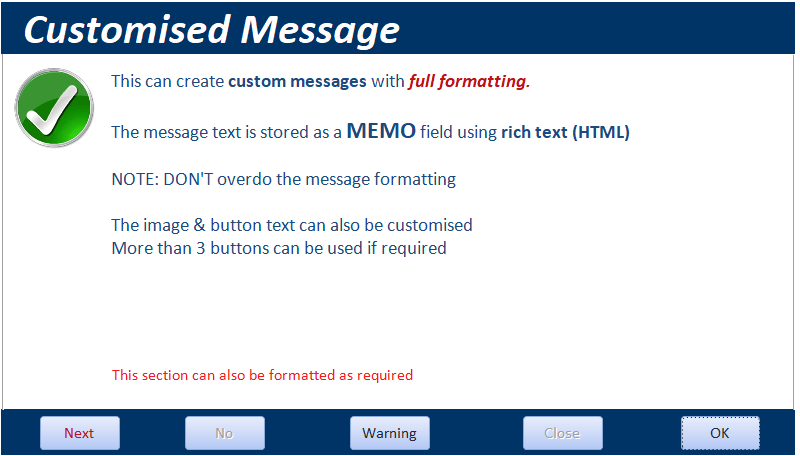
2. Customised message boxes with HTML formatting & countdown timer
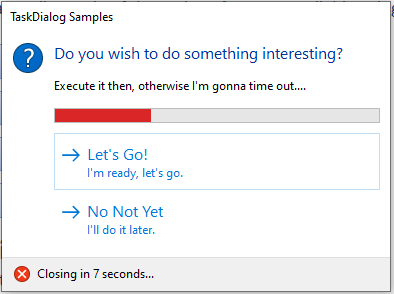
3. Task dialog messages
4. Flashing, scrolling and balloon tooltip text
5. Flashing and scrolling form title bar caption text
6. Flashing taskbar icon
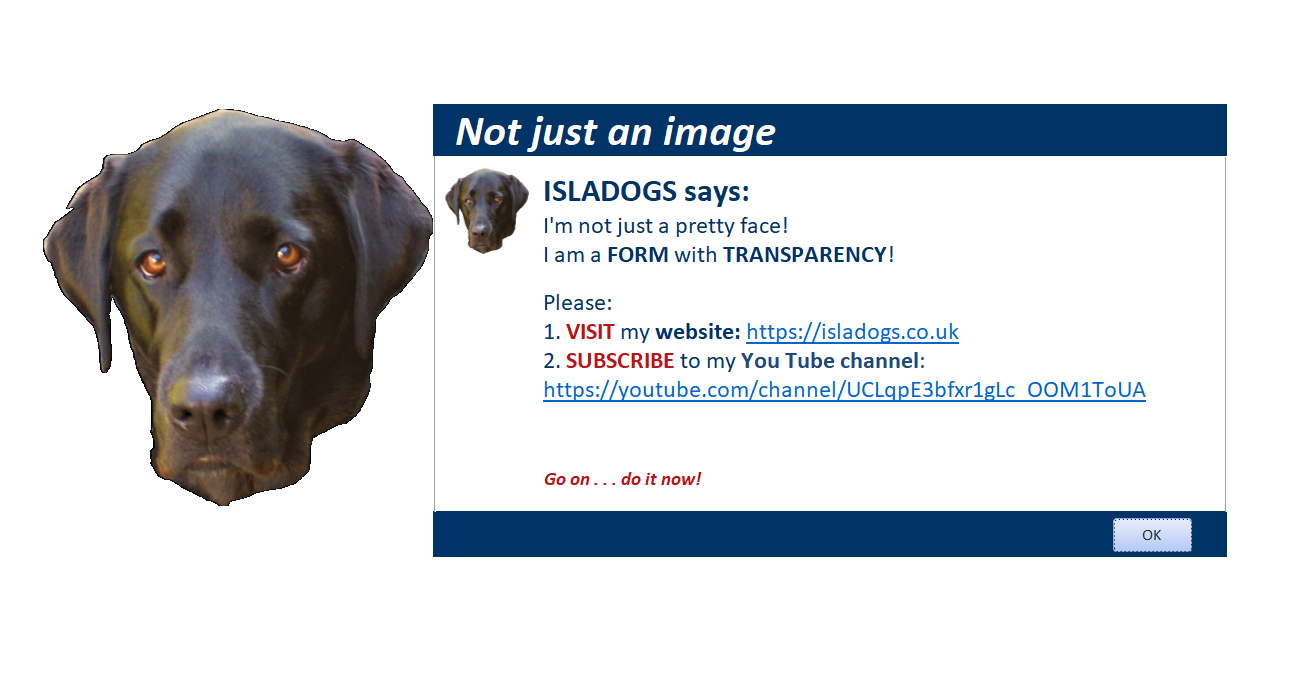
7. Form fade, transparency and animation
8. Dim / blur / remove background
9. Add warning sounds (requires speakers)
10. Use of text to speech to alert users (requires speakers)
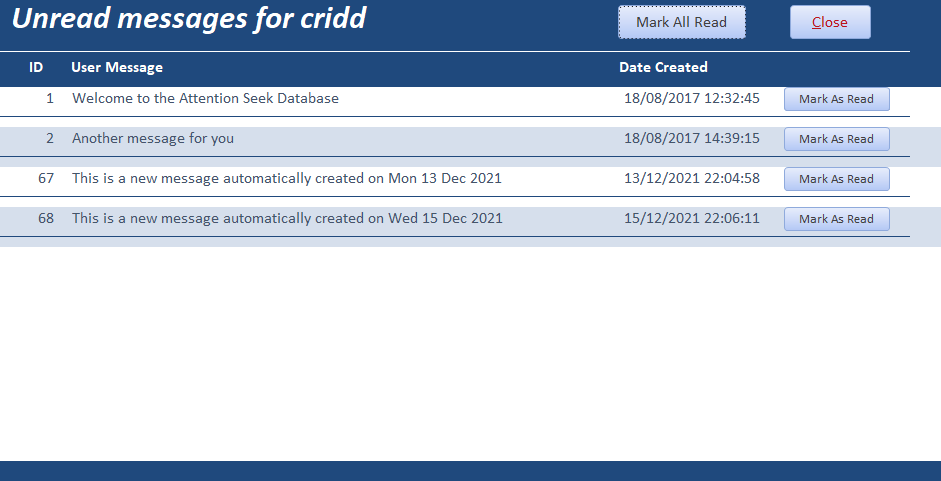
11. A simple 'You have 3 new messages' type feature
Main Form
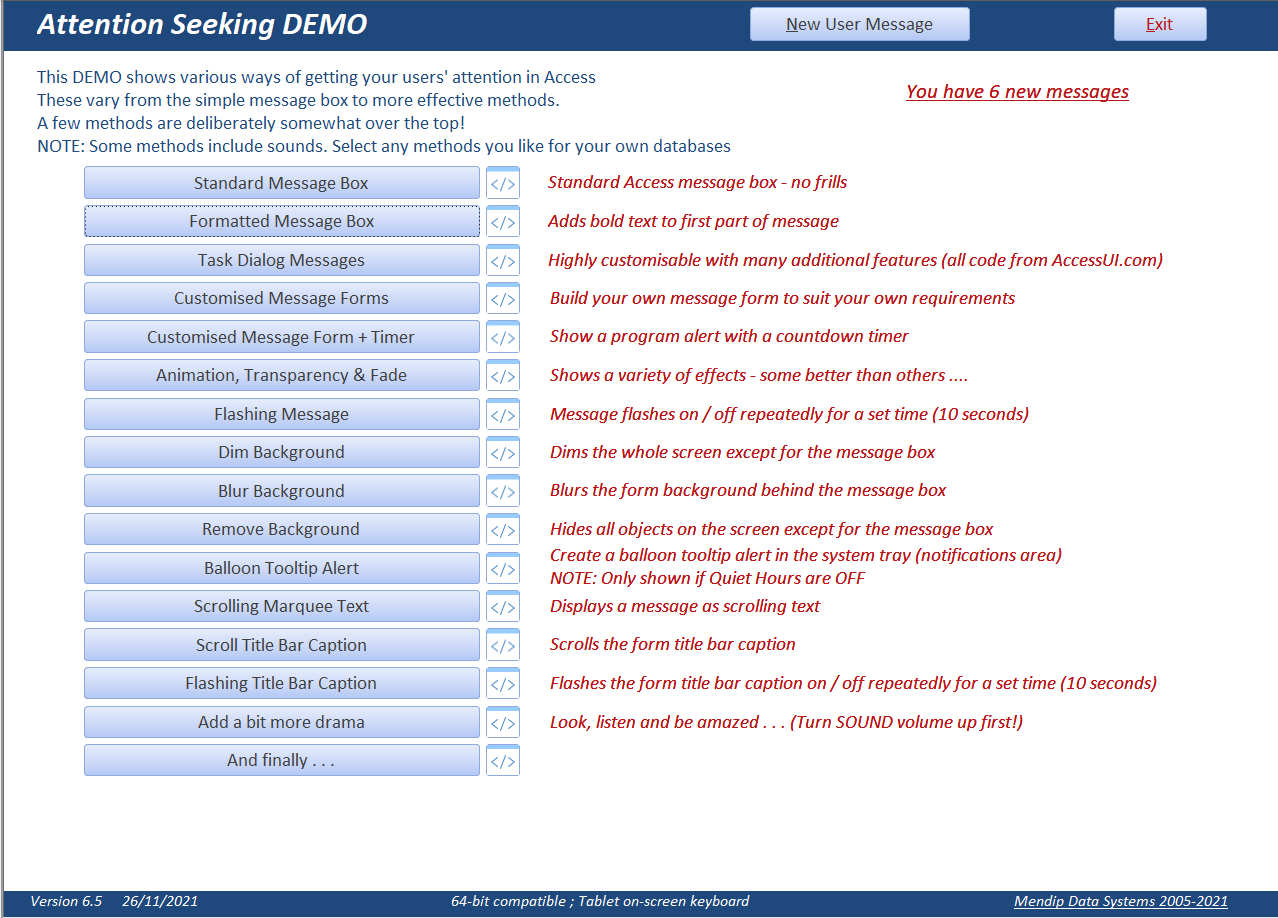
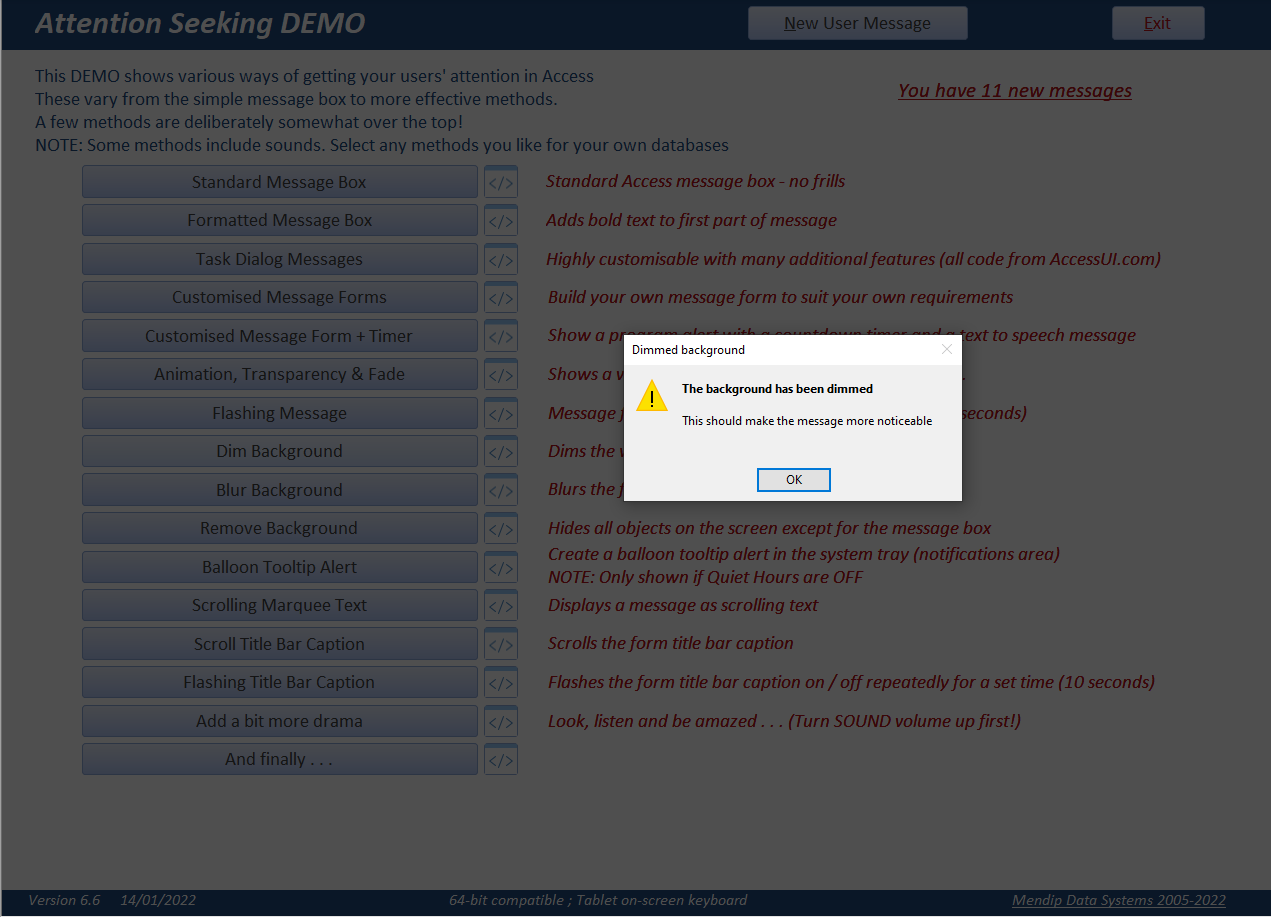
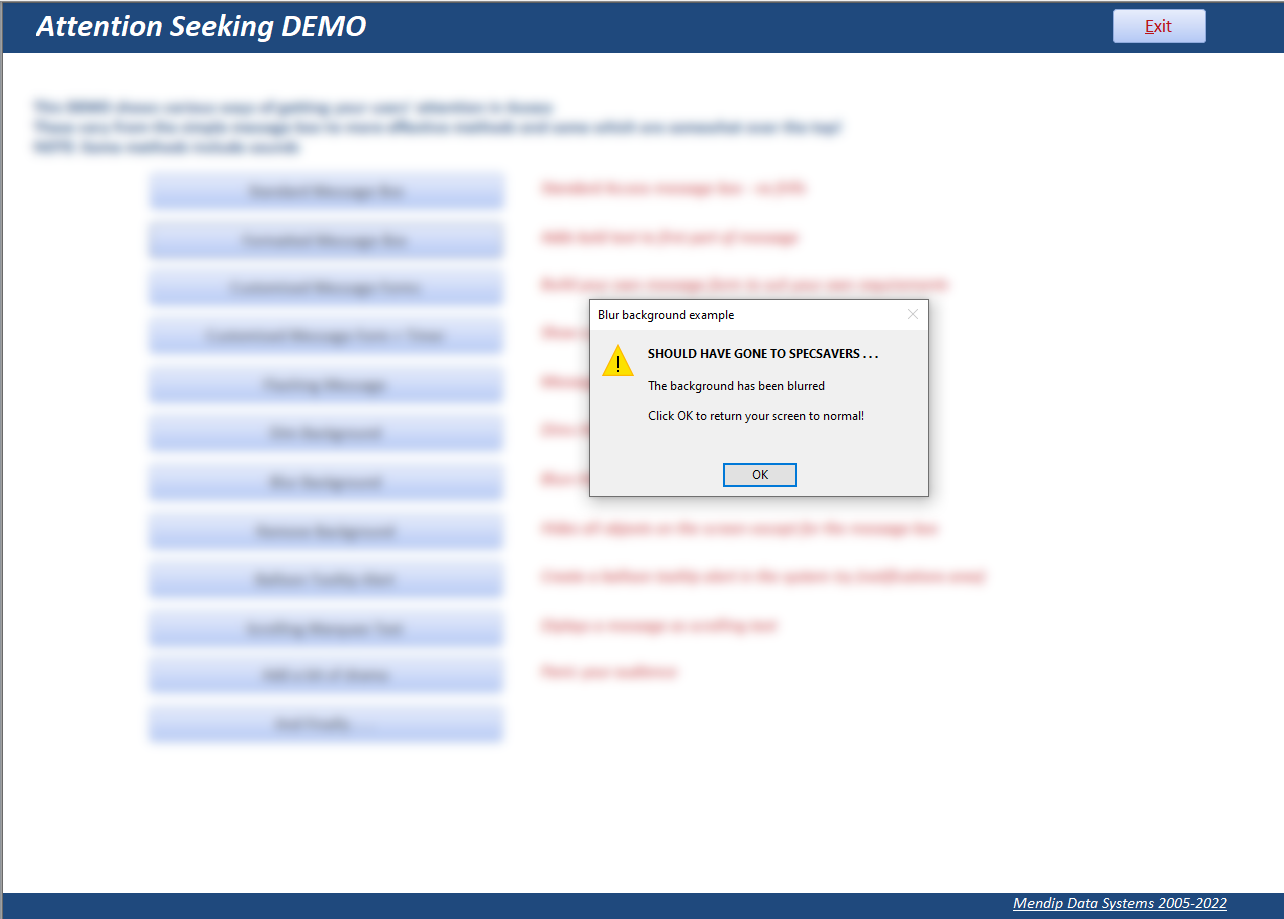
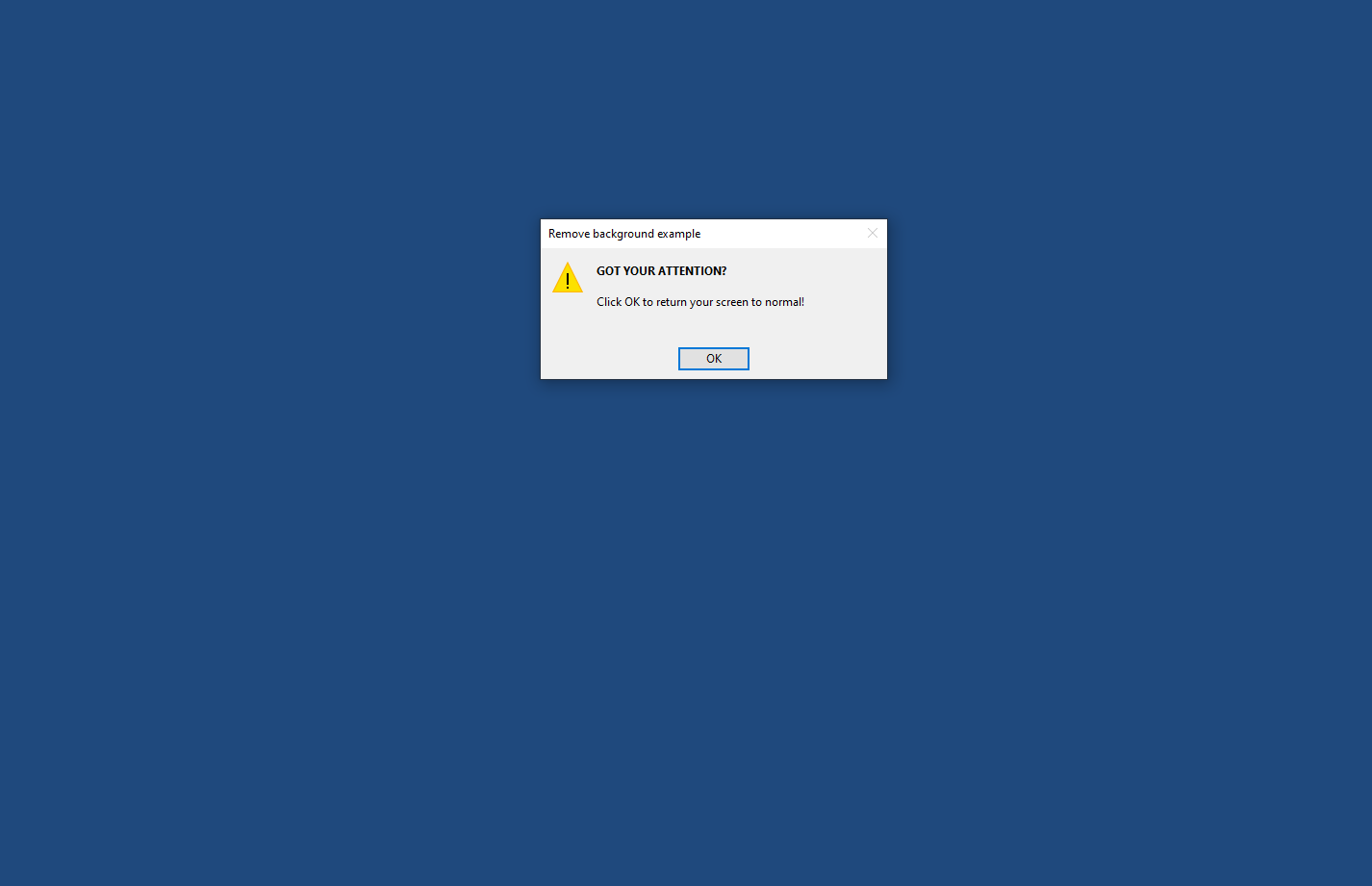
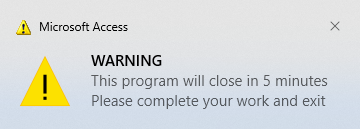
The screenshots below show several of the individual items. Items involving animation and/or sound are not shown here.

Customised Message Form
Task Dialog Message with Progress Bar
Form Transparency & Animation
Dim Background
Blur Background
Remove Background
Balloon Tooltips (System Tray Alerts)
NOTE: This feature is ONLY available if Focus Assist is set to OFF (Quiet Hours feature is disabled)
User Messages
All items work in both 32-bit and 64-bit Access.
Hopefully the code for each item will be easy to follow and to use in your own applications.
The application contains a large number of application programming interface (API) declarations which significantly extend the functionality available in Access.
A brief description and help page URL has been provided for the vast majority of the APIs used
However, it is not necessary to completely understand how each of the APIs work in order to use them.
Please don't OVERDO any of the more 'overt' methods or you risk annoying the users of your apps!
NOTE:
a) Some items are intended to be less serious than others!
b) The zip file includes all images & sounds used by this example database.
Download
Click to download: Attention Seeking Database v7.2 Approx 3.4 MB (zipped)
As is the case for all files downloaded from the internet, first unblock the downloaded file, unzip then save to a trusted location.
Version History
Version
Release Date
Notes
1.0
19/08/2017
Initial release at Access World Forums
3.0
29/08/2017
Changes to allow new user messages to be added. Added text to speech to Add a bit more drama
4.0
05/01/2018
Added on screen keyboard for tablet users
5.1
29/07/2018
Modified balloon tooltips to work in 64-bit Access. Balloon tooltips feature does not work if Quiet Hours feature activated in Windows
6.2
06/11/2019
Updated all API declarations to fix minor issues. Added scrolling/flashing text in title bar caption
6.3
03/11/2021
Added TaskDialog form samples from AccessUI.com
6.4
24/11/2021
Added animation, transparency & fade examples. Reorganised main form
6.5
26/11/2021
Fixed issues with animation with transparency. Added TTS to customised message form. Simplified speech code - no longer uses .vbs script file
6.6
14/01/2022
Added CloseAllVBEWindows to modVBE and to ViewCode procedure to fix issues with multiple code modules open at once
6.8
20/03/2022
New items added to Animation, Transparency & Fade feature. Added new example form to Dim Background feature
6.9
15/11/2022
Added web links & additional info for almost all the many APIs used in this app
7.0
18/12/2025
Added Flash Taskbar Icon feature. Code in mod FlashTaskbar supplied by Xevi Batlle
7.1
20/12/2025
Minor changes to restore button captions & formatting if flashing message or taskbar icon time out
7.2
03/01/2026
Restored missing code to automatically set application icon (required for balloon tooltip feature). Minor layout changes.
YouTube Videos
UPDATE 1 - 28 Dec 2021
I ran a 1 hour session on Controlling the Access Interface and Attention Seeking in Access for the US based Access User Group - Eastern Time
on 17 Dec 2021. The video is now available at the Access User Groups channel on YouTube. Alternatively, click the link below:
Many thanks to Crystal Long (MVP) for the significant amount of time she spent expertly editing the video recording of this session.
UPDATE 2 - 25 May 2022
I have also created a series of four short videos for my YouTube channel demonstrating various features from this example database.
1. Better Message Boxes
2. Animation & Background Effects
3. Scrolling & Flashing Text
4. System Tray and Message Alerts
UPDATE 3 - 20 Nov 2022
I was invited by Juanjo Luna, MVP, to lead an updated session on Controlling the Access Interface & Attention Seeking in Access for the Spanish language Access Espana user group on 17 Nov 2022. My presentation was in English with live translation to Spanish by George Young (Denver Area Access User Group)
The video is now available at the Access User Groups channel on YouTube or you can click on the video below.
Feedback
Please use the E-Mail button in the contact form below to let me know whether you found this article / example app useful or if you have any questions.
Also do contact me if you have any suggestions for additional features.
Please also consider making a donation towards the costs of maintaining this website. Thank you
Colin Riddington Mendip Data Systems Last Updated 3 Jan 2026
|
Return to Example Databases Page
|
Return to Top
|