Version 1.7 First Published 16 July 2022 Approx 2.2 MB (zipped)
The idea for this article came from a thread by Ed Jarvis (AKA Remster) at AccessForums.net: Record selection with the vertical scrollbar on a continuous subform
By default, when the vertical scrollbar on a continuous form scrolls through the records, it doesn't change which record is the current record
i.e. no selection is actually made without clicking.
However, this example app shows how records in a continuous subform can be 'selected' using the vertical scrollbar.
It uses the fact that during screen painting, the form's bookmark becomes out of sync with the recordset's bookmark
That happens because the form's bookmark changes as each row is re-painted.
This means that you can re-sync the bookmarks, and then make the uppermost record the current record.
That current record can then be used to display related information in another subform.
The approach enables rapid record selection whilst scrolling
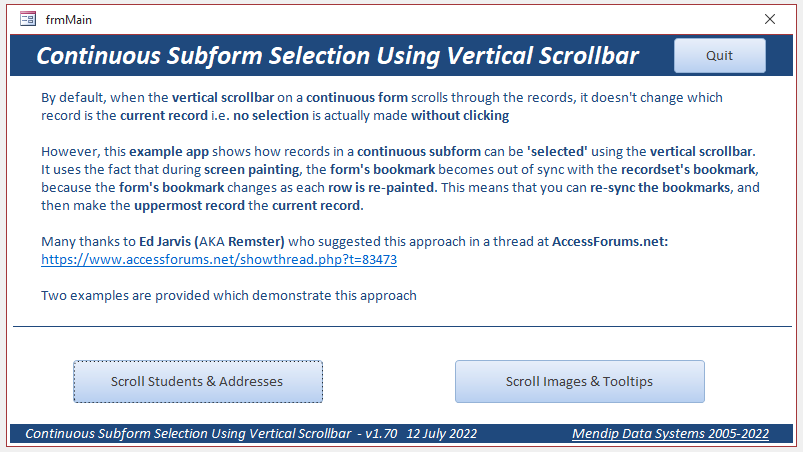
Two examples are provided which demonstrate this approach:
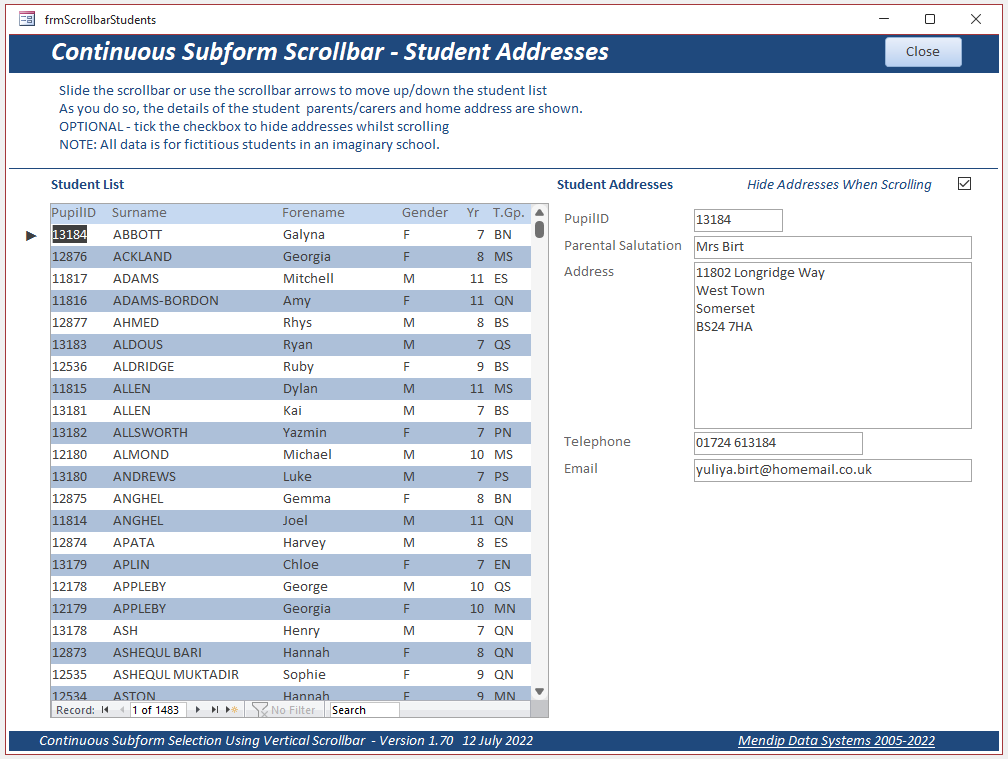
a) List of students, parent/carer details & addresses (all data is fictitious)
OPTIONAL – the parent/carer &address data can be hidden whilst scrolling
Before Scrolling
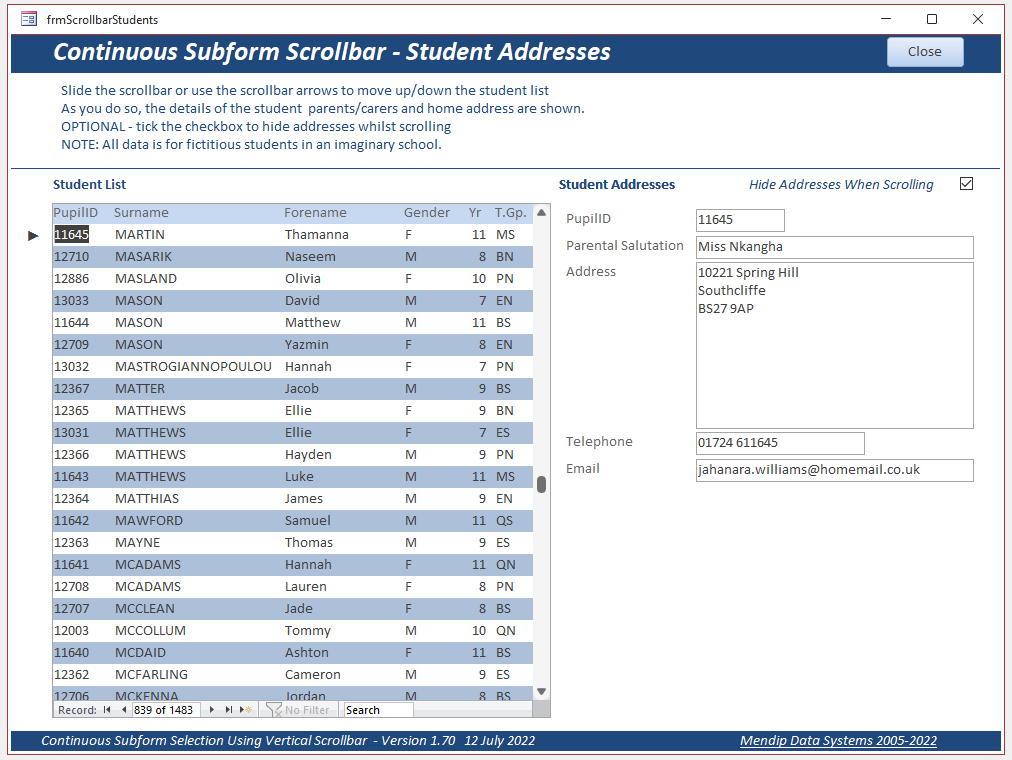
After Scrolling (the triangular marker indicates the current record)
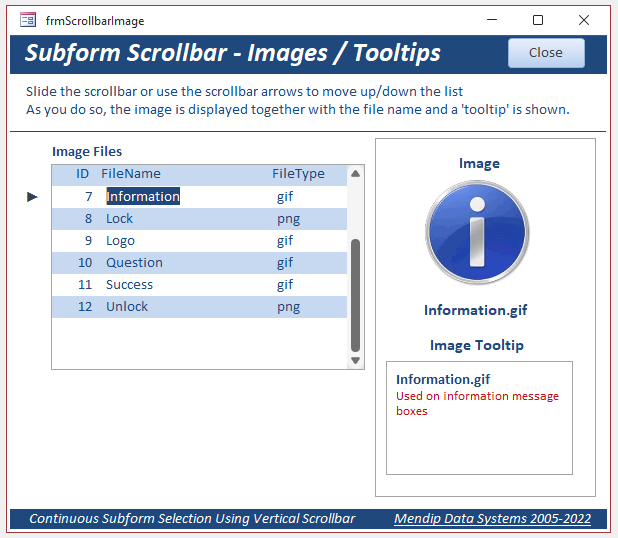
b) List of images and tooltips
NOTE: This is an alternative 'fast record selection' approach to that used with the same data in another article on this website:
Listbox Item Tooltips using a Mouse Move Event
Before Scrolling
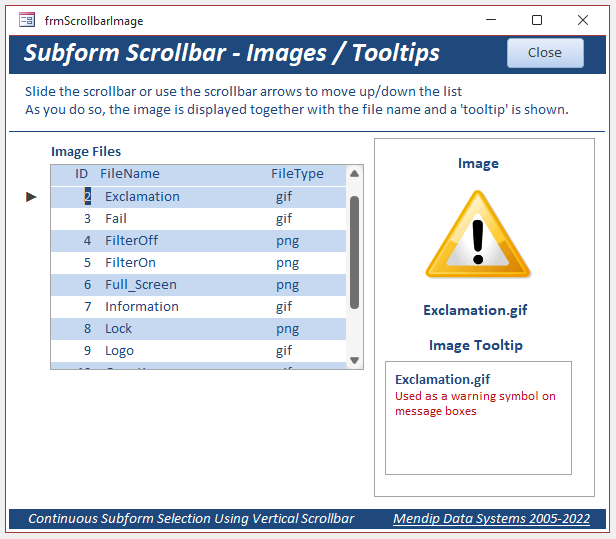
After Scrolling (the triangular marker indicates the current record)

CODE: (from continuous subform)
Option Compare Database
Option Explicit
Dim intCST As Integer
'==========================================
Private Sub Detail_Paint()
'check if current section top position has changed
If Me.CurrentSectionTop > intCST Then
'hide address subform if checkbox option ticked
If GetHideScroll = "Yes" Then Parent.fsubStudentAddresses.Visible = False
'disable timer
Me.TimerInterval = 0
'resync form & recordset bookmark
Me.Recordset.Bookmark = Me.Bookmark
'move to 'select’ new uppermost record
Me.Recordset.Move -Round((Me.CurrentSectionTop - intCST) / Me.Section(acDetail).Height)
're-enable timer to update display
Me.TimerInterval = 100
End If
End Sub
'==========================================
Private Sub Form_Load()
'get position of top record at form load for later use
intCST = Me.CurrentSectionTop
End Sub
'==========================================
Private Sub Form_Timer()
'disable timer
Me.TimerInterval = 0
'requery other subform & make visible
Parent.fsubStudentAddresses.Requery
Parent.fsubStudentAddresses.Visible = True
End Sub
Download
Click to download: ContinuousSubformScroll_v1.7 Approx 2.2 MB (zipped)
Feedback
Please use the E-Mail button in the contact form below to let me know whether you found this article useful or if you have any questions.
Please also consider making a donation towards the costs of maintaining this website. Thank you
Colin Riddington Mendip Data Systems Last Updated 16 July 2022
|
Return to Example Databases Page
|
Return to Top
|