
| First Published 29 Nov 2025 | Last Updated 15 April 2026 |
|---|
UPDATE 2026-04-14:
Following a request that I made to the Access team back in 2025, I am pleased to announce that full-screen mode is now rolling out to all channels in Access 365.
It is currently available in both insider channels - Beta and Current Channel (Preview), starting with version 2604 build 19929, and should reach Current Channel in May 2026.
As with other Office apps, it can now be activated or deactivated from the ribbon.
Background
This is a companion to my earlier article: Hide or Move the Quick Access Toolbar using code
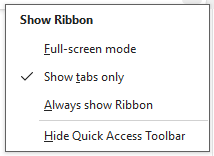
Starting with Office 2021, Word, Excel, PowerPoint and Outlook also have an additional feature, Full-screen mode (FSM), which is available from the Show Ribbon dropdown menu.
NOTE:
Full-screen mode was designed to create a consistent experience across most Office apps (Word, Excel, PowerPoint, Outlook and Visio) and, since version 2604 in Access.
It is not supported in Publisher or Project.
The feature replaced similar functionality dating back to at least Office 2010 with various names / actions in different apps such as Read Mode (Word), View | Full Screen and Ribbon Auto-Hide.
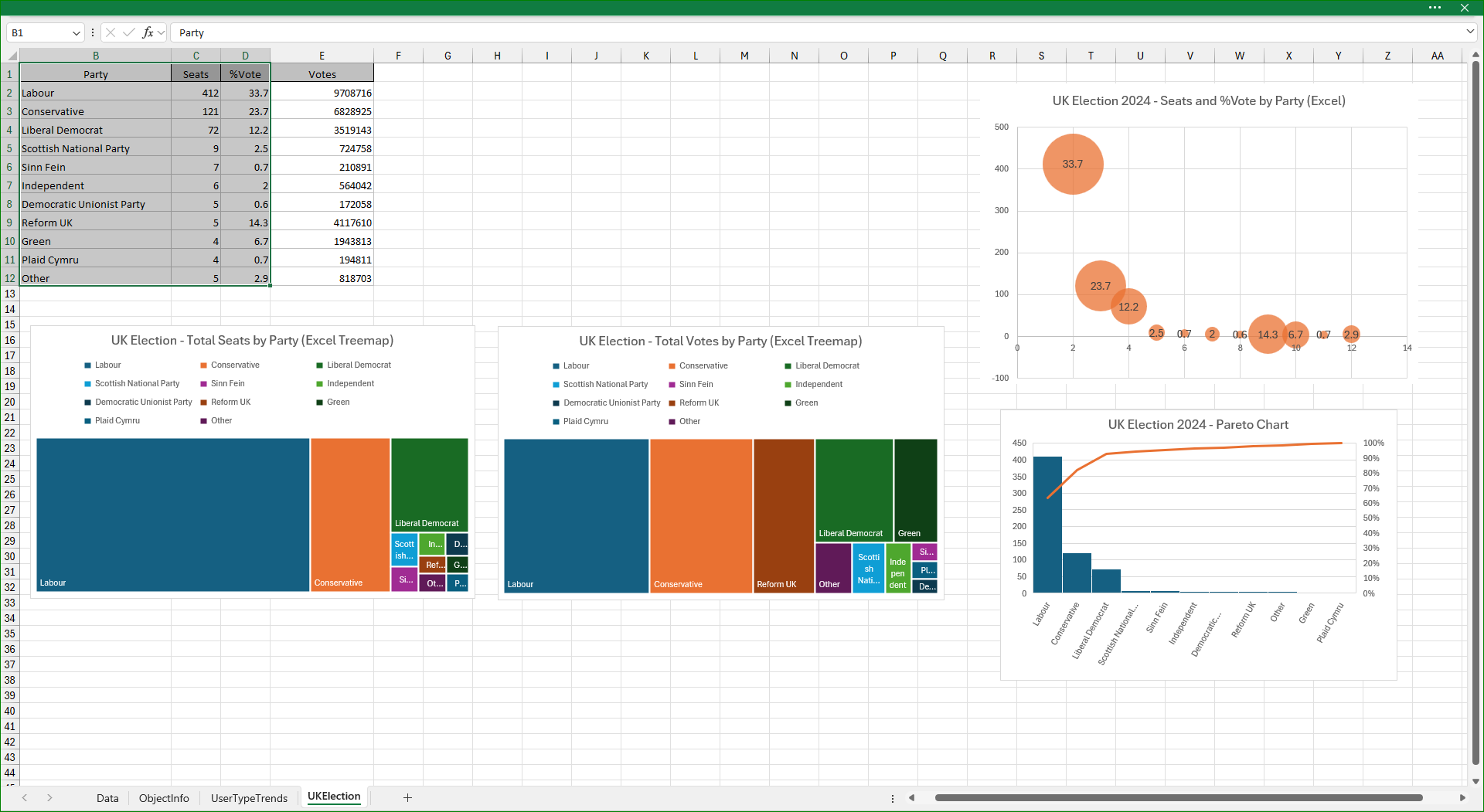
When full-screen mode is clicked in supported applications, the app is maximized and the title bar shrinks, with an ellipsis (. . .) added.
Other screen items such as the ribbon, QAT and status bar are hidden allowing maximum space for the document being displayed.
For example in Excel:
Similarly using Word:
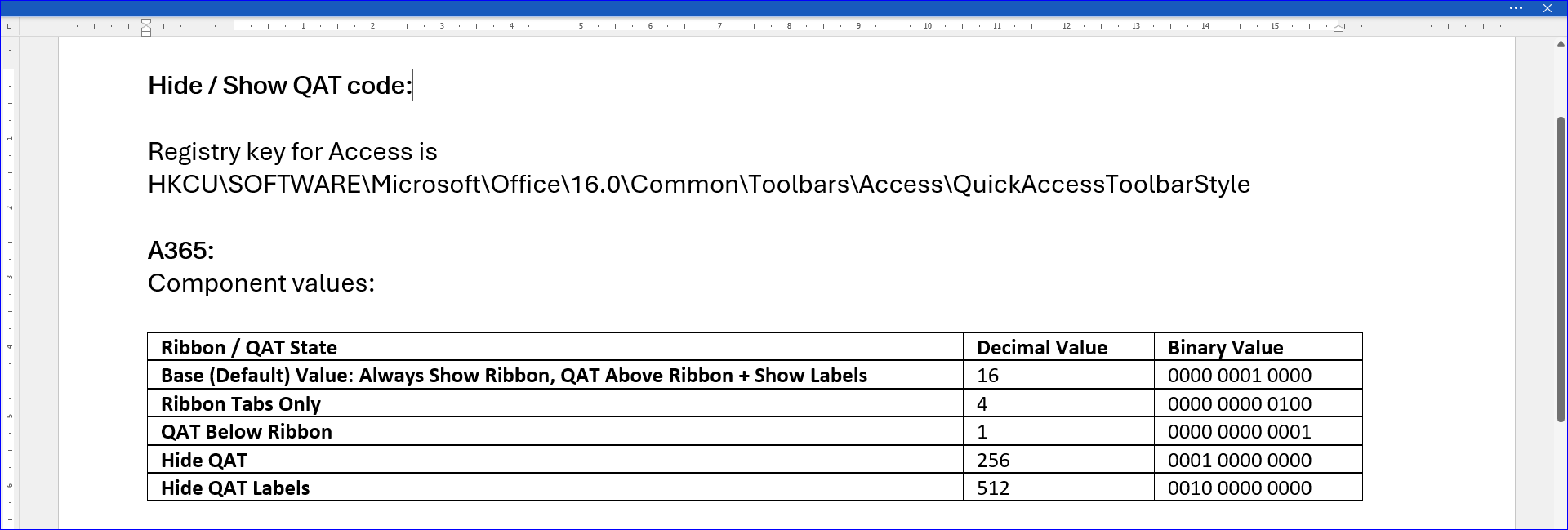
Clicking the ellipsis restores both the ribbon and QAT temporarily. Click anywhere in the open document to revert to full-screen mode.
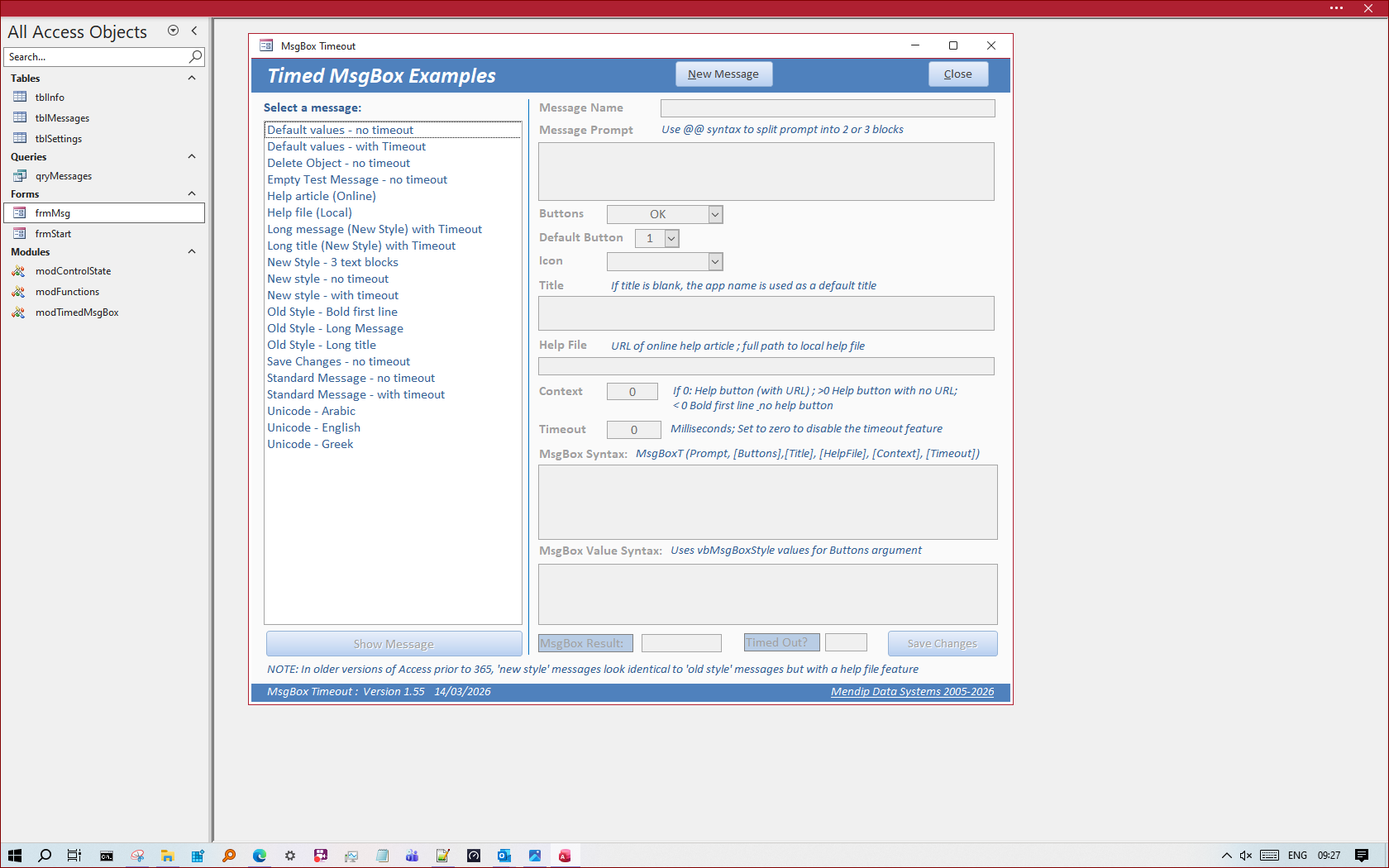
Once again in Access (version 2604 or later):
I find this feature is particularly useful during presentations to clients or in user group meetings when maximizing screen space can be beneficial.
Full-screen mode in slower channels / older versions
Access also has the full-screen mode item in the Show Ribbon dropdown menu in slower channels and in older versions such as 2021 and 2024.
However, it cannot be selected / implemented from that menu.
My request to the Access team back in early 2025 was to enable the feature as in other Office apps.
I wrote the original version of this article in Nov 2025 when I accidentally discovered that full-screen mode COULD be implemented in Access 365 by modifying a registry key.
To do so, the QuickAccessToolbarStyle key value in HKEY_CURRENT_USER\SOFTWARE\Microsoft\Office\16.0\Common\Toolbars must have a decimal value between 8 and 15.
In each case, applying full screen mode also removes the status bar but this is restored when the ellipsis is clicked.
With a registry value of 13, the QAT remains hidden when the ellipsis is clicked. For all other values between 8 and 15, the QAT is then shown above the ribbon.

If using the registry solution in Access, full-screen mode cannot be de-selected from the Show Ribbon dropdown menu.
This meant that the feature can only be enabled / disabled by editing the registry or using code. In addition, the changes are only implemented after Access is restarted.
This is clearly far from ideal and led to my request that full-screen mode be implemented in full in Access.
For those who do not yet have this feature, the following code can be used to select or de-select full-screen mode in Access.
NOTE:
Use these procedures in a standard module together with the API declarations and SetQATStyle procedure from the article: Hide or Move the Quick Access Toolbar using code
SubFullScreenModeNoQAT()SetQATStyle13'(hex 0d) ' Implements full screen mode which doesn't work directly from the ribbon dropdown menuEnd SubSubFullScreenModeQATAboveRibbon()SetQATStyle12'(hex 0c) - Implements full screen mode which doesn't work directly from the ribbon dropdown menuEnd Sub
Feedback
Please use the E-Mail button in the contact form below to let me know whether you found this article useful or if you have any questions.
Please also consider making a donation towards the costs of maintaining this website. Thank you
| Colin Riddington | Mendip Data Systems | Last Updated 15 April 2026 |
|---|
|
Return to Access Blog Page
|
Return to Top
|