| First Published 20 Apr 2026 | Last Updated 29 Apr 2026 |
|---|

This article provides links and resources from my presentation to Access DevCon on Fri 17 April 2026. For more details, see: Access DevCon 2026 - Agenda
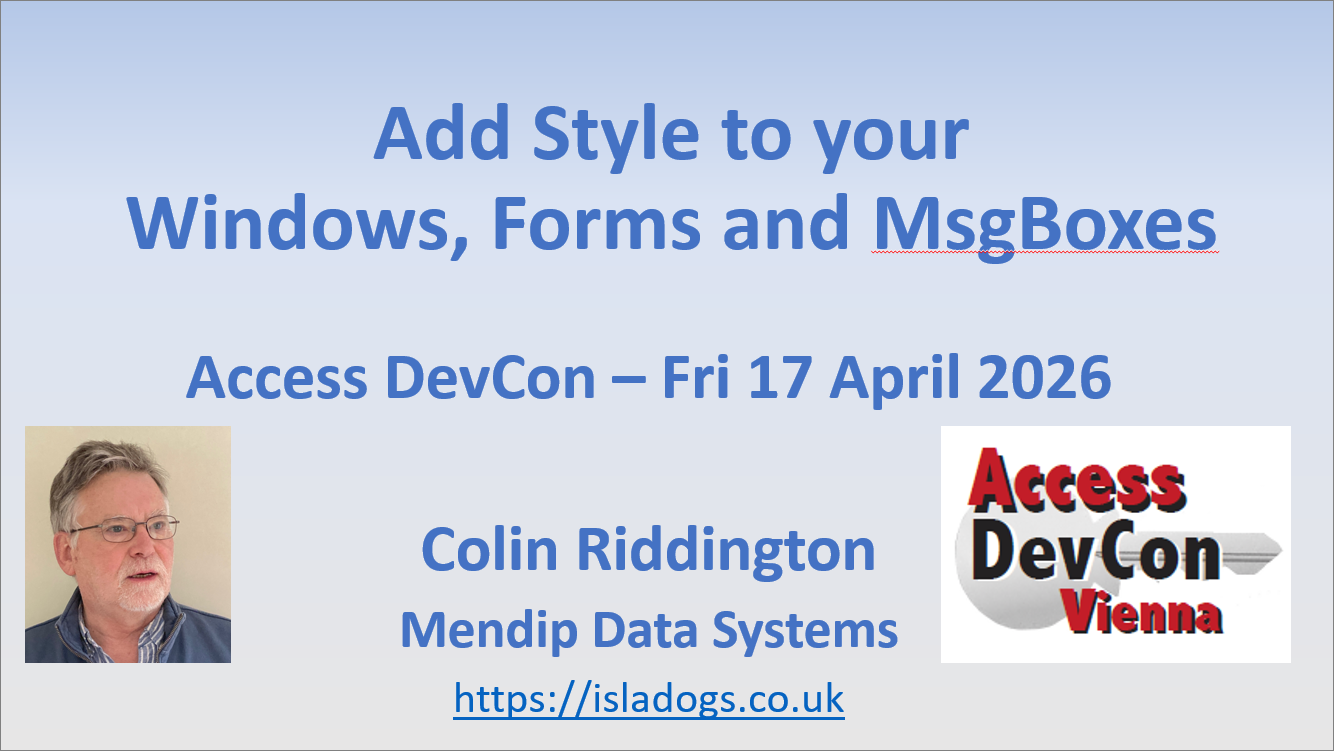
Slide Deck
Click to download: StyleWindowsFormsMsgBoxes_DevCon26.pdf Approx 0.4 MB
Topic outline
I demonstrated several ways of adding style to enhance the appearance of your Access apps including:
a) Personalise your popup forms
Style the corner type, border and title bar colours together with an optional translucent title bar and dark mode toggle in Windows 11. No code options in Windows 10/11.
Related article / example app: Personalised Popup Forms in Windows 10 & 11
b) Set start-up position for popup forms
Code to ensure popup forms NEVER open 'off-screen', no matter where they were last saved. Specify startup location either on primary monitor or relative to Access application interface.
Related article / example app: Always Open Popup Forms in Specified Location
c) Create theme-aware Access forms.
Use code to detect the Office theme & automatically update the appearance of forms and their controls when opened (or when the Office theme is changed).
Example colour schemes provided. Fully customisable.
Related article / example app: Create Theme-Aware Forms in Access
d) Create new style Fluent UI message boxes
The MsgBoxT function can replace the VBA MsgBox with 3 message styles and features including optional timeout, support for themes, Unicode and Ease of Access settings.
Related article / example app: New Style Access Message Boxes With Timeout
The MsgBoxTC function builds on the above features to add an optional countdown to timeout message boxes.
Related article / example app: Add a Countdown to a Timeout Message Box
Both functions have been designed so they can replace the standard VBA MsgBox without breaking existing code.
Each of the above solutions automatically responds to Windows dark / light mode and can be easily integrated into your own apps with very little code.
Video
There were some technical issues due to a poor internet connection during the live presentation.
However, a replacement video recording has been prepared from the final practice session.
The video is available on the Access DevCon YouTube channel: https://youtu.be/h8LM546TPFI or you can click on the video below.
Feedback
Please use the E-Mail button in the contact form below to let me know whether you found this article useful or if you have any questions.
Please also consider making a donation towards the costs of maintaining this website. Thank you
| Colin Riddington | Mendip Data Systems | Last Updated 29 Apr 2026 |
|---|
|
Return to Access Blog Page
|
Return to Top
|